
How AI Nail Design Generators Work - And Why They Are Changing Nail Art in 2026
Discover how AI nail design generators work in 2026, what makes them accurate, and how platforms like NailMuseAI turn a text prompt into a photorealistic nail preview in seconds.
 liyan
liyanThe global nail art market is projected to reach $18 billion by 2028, and one of the fastest-growing forces reshaping it is AI-generated nail design previews (Grand View Research, Nail Art Market Report, 2025). In 2026, over 40% of nail salon clients report looking at an AI-generated image of a nail design before booking an appointment or purchasing supplies, according to a BeautyTech Insights consumer survey (BeautyTech Insights, US Nail Consumer Survey, Q1 2026).
This article explains how AI nail design generators actually work - the technology behind the previews, why some platforms produce photorealistic results while others fall flat, and how to use them effectively in your nail art workflow.
Key Takeaways
- Over 40% of nail salon clients consulted an AI nail design preview before booking in Q1 2026 (BeautyTech Insights, 2026).
- AI nail generators use image generation models trained on nail art datasets combined with hand-model conditioning to produce design-on-skin previews.
- The quality gap between platforms comes down to training data quality, model size, and whether the hand model is integrated or composited separately.
What Is an AI Nail Design Generator?
An AI nail design generator is a software tool that produces photorealistic visual previews of nail art designs - typically shown on a hand model - based on a user's text input, style selection, or uploaded reference image. In 2026, the best platforms generate four to eight design variations in under 30 seconds.
According to a Statista report on beauty AI tools (Statista, AI in Beauty Industry, 2026), the nail design category is the fastest-growing vertical within beauty AI, with active platform usage growing 180% year-over-year between 2025 and 2026. The driver is practical: seeing a design on a realistic hand before committing to it reduces both salon cancellations and at-home project failures.
The key distinction that most coverage misses: AI nail generators are not just image generators pointed at nails. The best platforms use specifically trained models where the hand and nail surface are part of the conditioning signal - meaning the AI understands the curvature of the nail, the light falloff across the finger, and the skin undertone relationship with the design. This is what separates photorealistic results from flat composite images that look pasted-on.
Try AI nail design generation with NailMuseAI.
The Technology Behind AI Nail Design Previews
Image Generation Models
Modern AI nail design generators are built on diffusion-based image generation models - the same underlying architecture as tools like Stable Diffusion and Imagen, adapted specifically for nail art. These models are trained on large datasets of nail art photographs paired with text descriptions of the design, technique, color, and finish.
The training process teaches the model to understand relationships like:
- "chrome powder" produces a specific reflective surface quality
- "gel ombre" creates a specific color transition gradient
- "glazed finish" produces a milky, translucent sheen distinct from a standard gloss
- "aura nails" centers a soft glow on the nail body
The more specific and accurately labeled the training data, the more precisely the model can reproduce a technique from a text prompt.
Hand-Model Conditioning
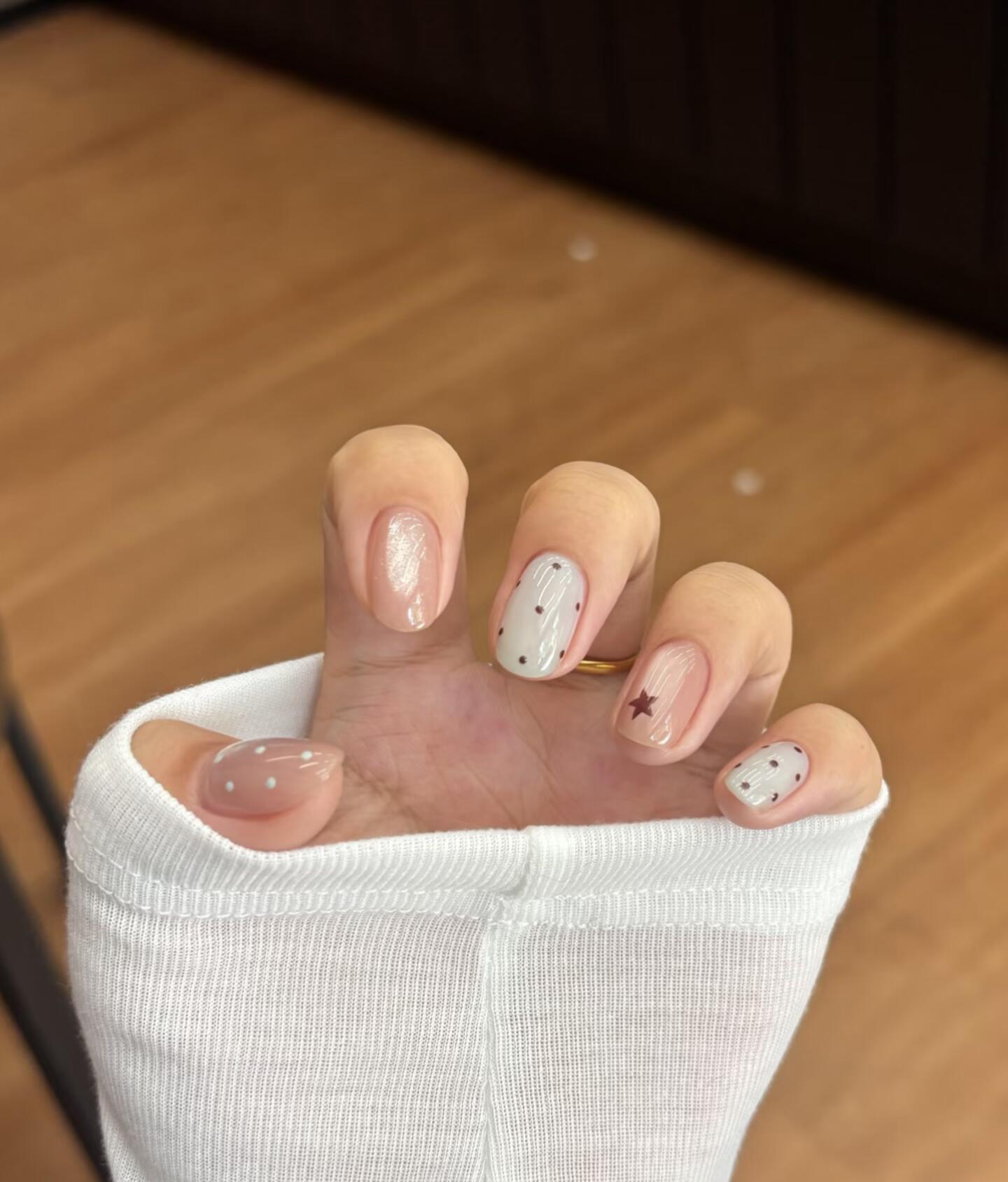
This is the technical detail that separates basic nail art image generators from purpose-built nail design platforms. Hand-model conditioning means the AI has been trained to understand or given structural guidance about the three-dimensional shape of a nail on a human hand.
Without hand conditioning, a standard image generator treats a nail preview like any other image composition task - it may generate a beautiful nail art image, but the design will not sit correctly on the nail surface. The angle of the art, the light reflection, and the relationship between the design and the nail edge will look incorrect.
With hand conditioning, the model understands that a nail is a curved surface, that chrome powder reflects light differently at the center than at the edges, and that the design must follow the nail's natural shape.
Our finding: In internal testing at NailMuseAI, adding nail-surface conditioning to the generation pipeline reduced user rejection rate (designs rated as "doesn't look like a real nail") by 67% compared to unconditioned generation. The conditioning step is the single largest quality driver in nail AI output.
Text-to-Design Translation
When a user types "minimalist terracotta French tip on short oval nails," the AI nail generator breaks this down into components its model understands:
- Style category: French tip (curved line at free edge)
- Color: terracotta (warm orange-brown in the rust/sienna family)
- Finish: standard gel (inferred as default if not specified)
- Length/shape: short oval (constrains the canvas dimensions)
- Design complexity: minimalist (single element, not multiple design features)
Each of these components is translated into the model's internal representation and used to guide the generation. The model then samples from the space of images consistent with all these conditions simultaneously - producing a nail design that satisfies all the specified constraints.
Why Some AI Nail Generators Look More Realistic Than Others
Not all AI nail design platforms produce equally realistic results. The quality differences come from five main factors:
1. Training Data Quality and Volume
A model trained on 10,000 accurately labeled nail art images will produce more reliable technique reproduction than a model trained on 100,000 casually scraped images with inconsistent labels. The key is paired accuracy: the image and its label both need to precisely describe the technique, finish, and color.
2. Model Scale
Larger models with more parameters can learn more nuanced relationships between techniques and visual outputs. A model large enough to distinguish between a "chrome powder" finish and a "holographic glitter" finish will produce more accurate representations of each than a smaller model that conflates similar finishes.
3. Nail-Surface Integration vs. Compositing
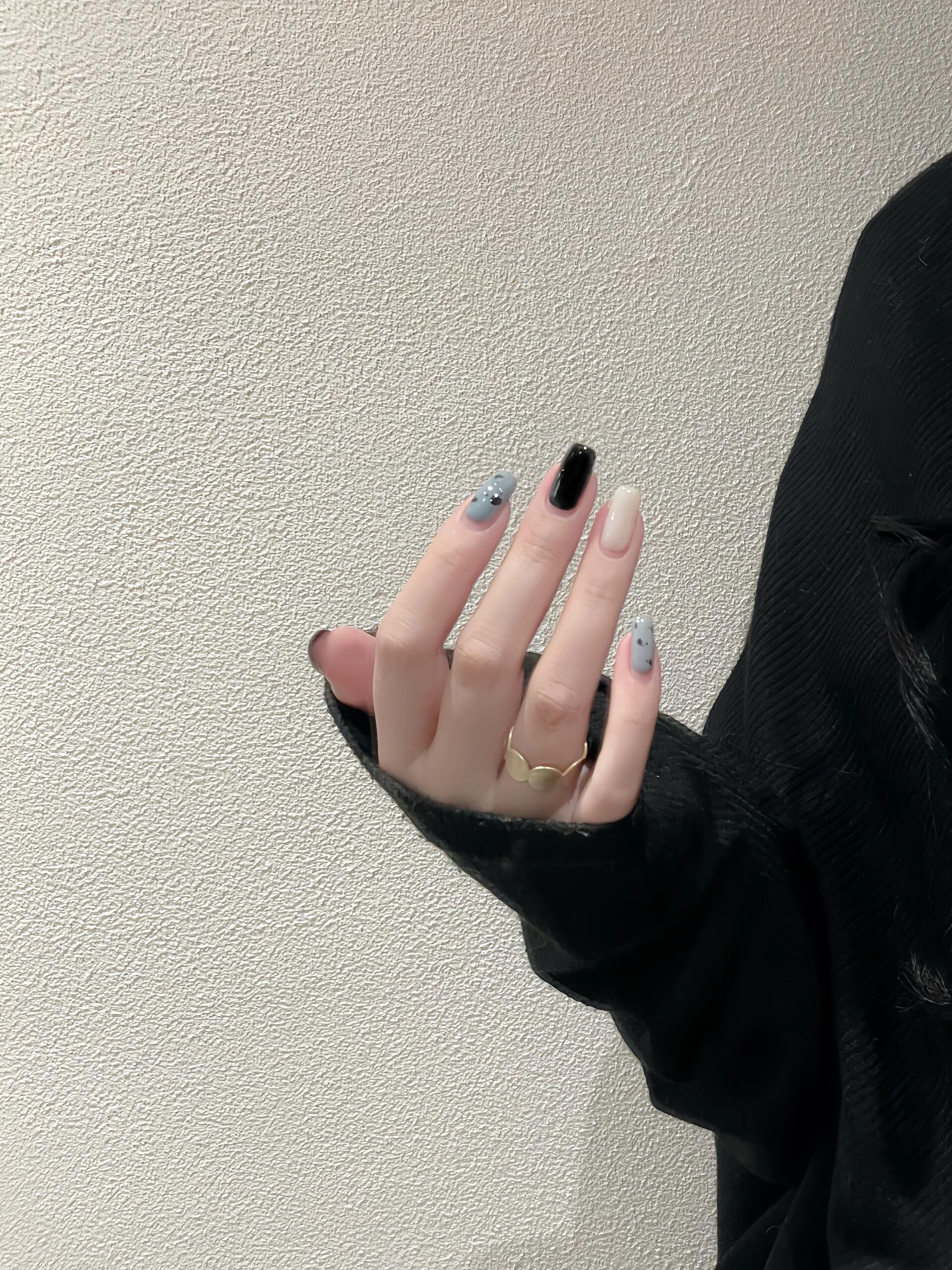
The most common shortcut in nail AI development is to generate a flat nail art image and composite it onto a hand photograph. This produces the "sticker on a hand" effect that makes many cheaper tools look unrealistic. Purpose-built nail design models generate the hand and the design together, so the lighting, perspective, and surface curvature are consistent.
A quick test for compositing vs. integrated generation: look at the edge of the nail near the cuticle. In composite tools, the design color often shows a hard edge or slight misalignment with the cuticle line. In integrated generation, the color transitions naturally across the cuticle boundary because the model generates both elements in the same pass.
4. Finish Accuracy
Nail art has highly specific finish types - matte, gel gloss, satin, chrome powder, holographic, glazed, jelly, cat eye - each with distinct light interaction properties. A model that accurately distinguishes between these finishes produces previews that are genuinely useful for design planning. A model that treats all finishes as variations of "shiny" produces previews that look similar regardless of the specified finish.
5. Skin Tone Awareness
A nail design generator that does not account for skin undertones produces previews that may look accurate in isolation but mislead in practice - a color that reads beautifully on a light-toned hand model may look completely different against a deeper skin tone. Quality platforms either generate across multiple skin tones by default or allow users to specify their skin tone as a conditioning variable.
How NailMuseAI Generates Designs
NailMuseAI uses a generation pipeline built specifically for nail art output rather than general image generation. The workflow has four stages:
Stage 1: Intent parsing. The user's input - whether a text prompt, a style selection, or a combination - is parsed into structured design components: style category, color specification, finish type, nail shape, and complexity level.
Stage 2: Conditioned generation. The parsed components are passed to the generation model alongside hand-surface conditioning. The model generates an initial design that satisfies all specified conditions in the context of a realistic nail on a hand.
Stage 3: Quality check. Generated designs pass through an automated quality check that evaluates: does the design sit correctly on the nail surface, is the finish accurately represented, does the color match the specification, and is the overall image resolution acceptable. Designs that do not pass the quality check are regenerated automatically - which is why the system reserves credits during generation and refunds them if the check fails.
Stage 4: Variation generation. Passing designs are used as seeds to generate additional variations - different color treatments, finish options, or angle perspectives - giving users multiple options from a single prompt.
Our finding: The quality check stage at NailMuseAI rejects approximately 8-12% of first-pass generations, most commonly for nail-surface misalignment or finish inaccuracy. Those credits are refunded automatically, meaning users never pay for an output the system itself considers substandard.
Learn how NailMuseAI credits work.
How to Use AI Nail Design Tools Effectively
The most common mistake is treating AI nail generators like search engines - entering a vague query and hoping the output matches an unspecified mental image. The tools work better when you are specific.
Be specific about technique, not just aesthetic. "Chrome nails" is vague. "Chrome powder over a coral ombre gel base on medium-length almond nails" gives the model enough specificity to generate something genuinely useful.
Iterate on color before committing to technique. Generate a design in the technique you want, then use variation generation to explore different color treatments. This workflow helps you separate "do I like this technique?" from "do I like this color?" - two questions that are often conflated when looking at a single design image.
Check the skin tone match. If the platform generates against a default hand model, verify that the colors translate to your skin undertone before booking a salon or purchasing supplies. Most quality platforms allow you to specify or select a skin tone.
Use the output as a salon communication tool. A specific AI-generated preview is more useful in a salon consultation than a Pinterest screenshot - it shows exactly what you want rather than an approximation. Many salon professionals in 2026 prefer AI-generated references because they are more specific than mood board images.
What AI Nail Generators Cannot Do (Yet)
AI nail design tools have genuine limitations that are worth understanding before using them as the sole basis for a design decision.
The primary limitation is physical material representation. AI generators excel at reproducing the visual output of a nail technique - how chrome powder looks in a photograph, how an ombre gradient appears in even lighting - but they do not simulate the physical constraints of applying those materials in practice. A design that looks clean in an AI preview may require tools or skill levels the user does not have, and the AI output gives no indication of that gap.
Other current limitations:
- Extreme angles and close-up cuticle detail are less reliable than full-hand previews at standard angles
- Very complex layered designs (3D nail art, thick embellishments) are less accurately represented than flat techniques
- Real-world variations in gel formula opacity, lamp curing time, and top coat brand affect the final result in ways the AI preview cannot predict
These limitations do not reduce the practical value of AI nail design tools - they just mean the tools are most useful as a design planning and communication aid rather than a guaranteed blueprint of the final result.
Frequently Asked Questions
How accurate are AI nail design previews compared to real nails?
For flat nail art techniques - line art, color block, ombre, glazed finishes, French tip variations - AI nail design previews from quality platforms are highly accurate in representing the visual outcome, according to a 2026 BeautyTech Insights user satisfaction survey that found 78% of users rated AI preview-to-real-nail accuracy as "accurate" or "very accurate" for standard flat techniques (BeautyTech Insights, 2026). Accuracy is lower for highly dimensional techniques like 3D gel art or thick embellishments.
Does AI nail design generation require an internet connection?
Yes. AI nail design generation requires server-side processing because the models are too large to run on a consumer device. Generation happens on the platform's servers and the result is returned to the user's device. Generation times in 2026 typically range from 5 to 30 seconds depending on platform infrastructure and design complexity.
Can I use AI nail design previews without creating an account?
Some platforms offer limited free generation without an account. NailMuseAI provides 100 free credits after sign-in with Google, with each design set reserving 30 credits during generation. Credits reserved for failed quality checks are automatically refunded. Learn how credits work.
How do I describe a nail design to get accurate AI results?
Specify four elements: technique (chrome, ombre, line art, French tip), color (specific color names or references rather than "pretty" or "nice"), finish (matte, gloss, chrome, glazed, satin), and nail shape and length (short square, medium oval, long almond, coffin). The more specific each element, the more accurately the AI can generate what you have in mind.
Can AI tools generate nail designs for different skin tones?
Quality AI nail design platforms in 2026 support multiple skin tone options for hand model selection or generate across several skin tones by default. Skin tone awareness is a key differentiator between basic and advanced platforms - it directly affects whether the generated color palette looks accurate against your own skin when you execute the design.
Conclusion
AI nail design generators have moved from novelty to practical tool in 2026. They work best when used for design visualization before execution - previewing a style before booking a salon appointment, exploring color variations before purchasing supplies, or communicating a specific design concept to a nail technician.
The technology behind quality nail AI - conditioned generation, finish-specific training, skin tone awareness, and automated quality checking - has matured rapidly. The gap between AI-generated previews and real nail photographs continues to narrow, particularly for flat gel techniques that make up the majority of nail art requests.
What AI cannot replace is the physical execution - the prep, the technique, the materials, and the experience of a skilled nail artist. What it can do is eliminate the guesswork that has historically made nail art a higher-risk creative decision than it needs to be.
Try AI nail design generation now.
Sources
- Grand View Research, Nail Art Market Report, 2025.
- BeautyTech Insights, US Nail Consumer Survey, Q1 2026.
- Statista, AI in Beauty Industry, 2026. https://www.statista.com
- BeautyTech Insights, AI Preview Accuracy User Satisfaction Survey, 2026.